How to Program Your Garage Door Remote: A Guide by ACE Garage Door Repair

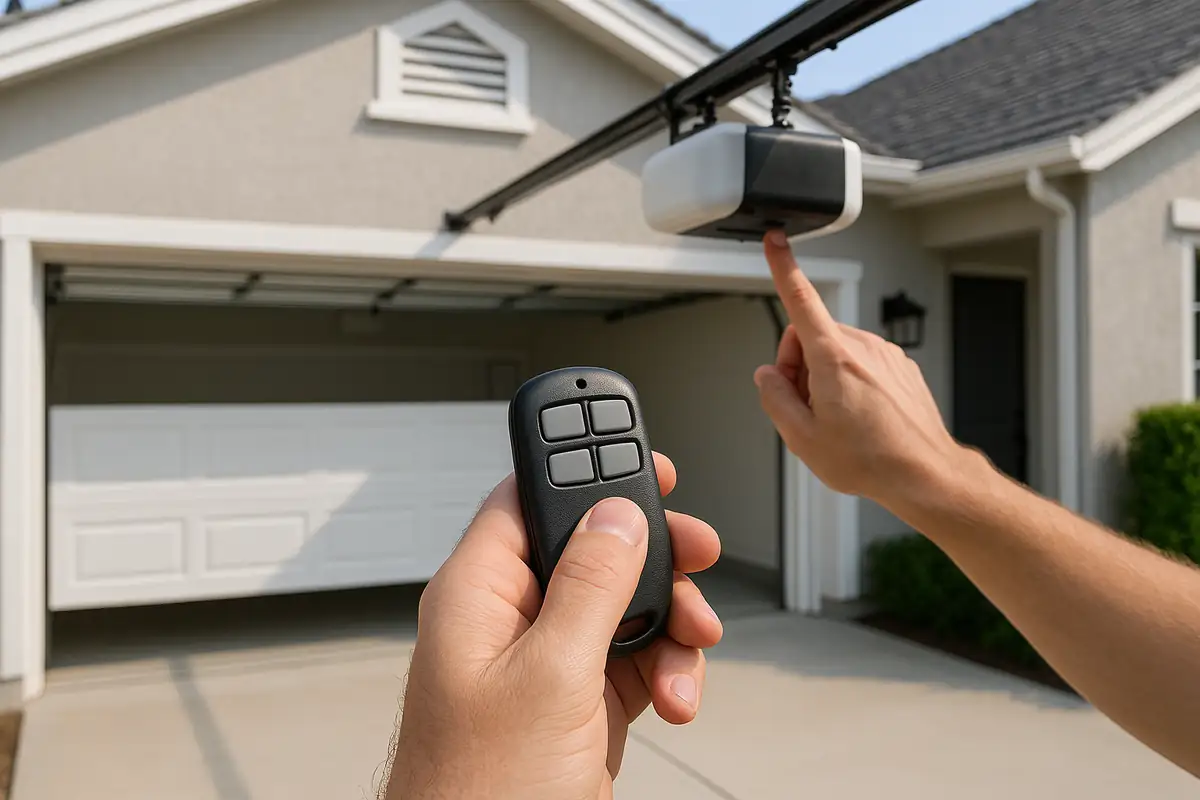
Programming Your Garage Door Remote: A Simple Guide
Your garage door remote is an essential part of your home’s accessibility and security. Whether you've purchased a new remote or need to reprogram an existing one, this guide will walk you through the steps necessary to get your garage door functioning smoothly again. At ACE Garage Door Repair in San Diego, CA, we believe that understanding your garage door system is key to maintaining it.
Why You Might Need to Program Your Garage Door Remote
There are several reasons why you might need to program your garage door remote:
- New Remote: You might have lost your old remote and purchased a new one.
- Change of Ownership: If you’ve bought a new home, it’s wise to reset the remote for security reasons.
- Malfunctioning Remote: If your remote isn't functioning correctly, reprogramming might solve the issue.
- Battery Changes: Sometimes, after changing the battery, the remote may require reprogramming.
Gathering the Necessary Tools
Before diving into the programming process, gather the following tools:
- Your garage door remote
- Your garage door opener
- Step ladder (if needed)
- Your owner's manual (for specific instructions related to your model)
Step-by-Step Guide to Program Your Garage Door Remote
Follow these general steps to program your garage door remote:
Step 1: Locate the Learn Button
First, find the learn button on your garage door opener. This button is typically located on the back or side of the unit. It can often be identified by the word “Learn” or a colored button.
Step 2: Access the Remote Control
With your garage door opener powered on, grab your remote control and be ready to program it.
Step 3: Activate Learning Mode
- Press and release the learn button on the garage door opener. You should see a small light turn on, indicating that the system is ready to accept a new remote.
- You generally have about 30 seconds to proceed to the next step.
Step 4: Program the Remote
Press and hold the button on your remote that you want to use to open the garage door. Hold it until you see the light on the garage door opener blink or you hear a clicking sound. This indicates that the remote has been successfully programmed.
Step 5: Test the Remote
Finally, test the remote to ensure it operates the garage door correctly. If it doesn't, repeat the previous steps.
Troubleshooting Common Issues
If you're facing issues while programming your garage door remote, consider these common problems:
- Remote Not Responding: Check the batteries in your remote; they may need replacing.
- Light Blinking But Not Programming: Ensure that you are within range of the garage door opener when programming.
- Multiple Remotes: If you have multiple remotes, you may need to repeat the process for each one.
DIY Maintenance Tips for Your Garage Door System
Regular maintenance can go a long way in ensuring your garage door functions smoothly. Here are some tips:
- Lubricate Moving Parts: Use silicone spray or engine oil to lubricate springs and rollers.
- Check Door Balance: Disconnect the opener and manually lift the door to see if it stays in place.
- Inspect Emergency Release: Ensure the manual release lever is functioning properly.
When to Call a Professional
While programming your garage door remote is straightforward, there may be instances where you should seek professional help:
- Persistent issues after multiple programming attempts
- Physical damage to the garage door system
- Complex wiring problems
In such cases, don’t hesitate to reach out to the experts at ACE Garage Door Repair.
Conclusion: Get Help from ACE Garage Door Repair
Programming your garage door remote doesn’t have to be a daunting task. By following these simple steps, you can easily manage this essential aspect of your garage door system. However, if you encounter any challenges or have additional questions, remember that ACE Garage Door Repair is here to help you. With our experienced technicians in San Diego, CA, we can provide comprehensive garage door services, ensuring your system runs smoothly and securely. Contact us today for a consultation!
Explore More Resources
Related Articles
Service Areas
We proudly serve San Diego, Tierrasanta, Kearny Mesa, Serra Mesa, Allied Gardens and more areas.
Our Services
Professional garage door repair, spring repair, opener installation and more. View all services →
Garage Door Automation and Smart Home Integration in San Diego, CA: Enhance Your Home's Security
Emergency Garage Door Repairs: What to Do in San Diego, CA